
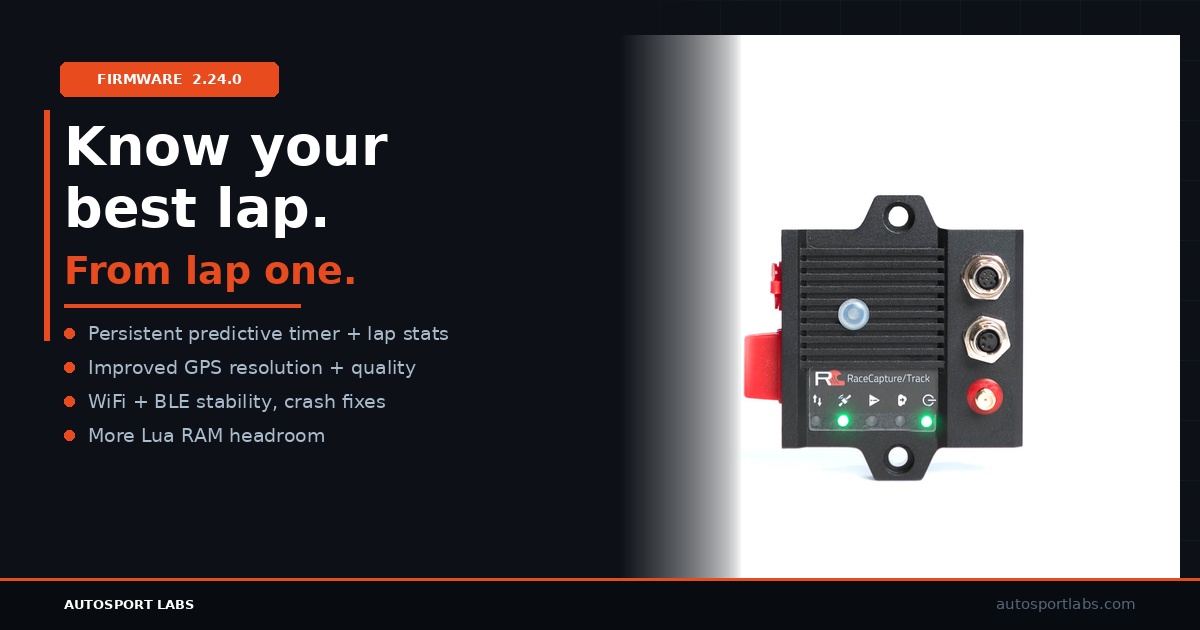
We’re happy to announce RaceCapture firmware 2.24.0, bringing predictive timer persistence, GPS improvements, stability fixes, and more memory for Lua scripting.
Predictive Timer and Lap Stats Persistence
On systems with SD or flash storage, the predictive timer and lap statistics are now saved per track. This means the predictive timer is ready to go on the very first lap after a power cycle: no more waiting for it to warm up after you restart your system. The firmware also remembers the last best lap on a per-track basis, so your reference lap is always available when you return to a familiar circuit.
GPS Improvements
GPS behavior has been improved across all RaceCapture systems. You’ll benefit from better GPS resolution and a reduction in duplicate GPS samples, resulting in cleaner, more accurate, and higher resolution position data.
RaceCapture/Track MK4 and PodiumConnect/Micro: Stability and Connectivity Fixes
This release includes a focused set of stability and connectivity improvements for RaceCapture/Track MK4 and PodiumConnect/Micro:
- Refined 12V analog channel calibration
- Fixed an intermittent crash while running lap timing
- Fixed an intermittent crash while running telemetry
- Fixed an intermittent crash when writing configuration
- Improved WiFi transmission latency and performance when multiple WiFi clients are connected
- Ensured dropped WiFi connections do not tear down other active connections
- Ensured pit-to-car alerts work with Bluetooth LE connected devices
More Lua Script Memory
For users on RaceCapture/Track MK2-3, RaceCapture/Pro MK2-4, PodiumConnect MK1-2, and RaceCapture/Apex, firmware 2.24.0 frees additional RAM for Lua scripts, giving you more headroom for complex scripting and custom logic.
Summary
Firmware 2.24.0 is a well-rounded update covering predictive timing persistence, per-track best lap behavior, GPS sample quality, WiFi and Bluetooth LE stability, crash fixes, analog calibration refinement, and expanded Lua memory. We recommend updating all supported devices.
Learn more about our products at autosportlabs.com and find detailed documentation at the Autosport Labs Wiki.
How to upgrade firmware
Step 1 – backup your current configuration
Using your windows, Linux, or MacOS computer, connect to RaceCapture using the USB connection. Save your current configuration to a file by navigating to Setup, and pressing the Save button.
Step 2 – Download the firmware for your device
Download your firmware from http://podium.live/software , ensuring you download the correct firmware for your device and generation (MK2, MK3, etc).
Step 3 – Upgrade your firmware
Navigate to Setup / Firmware and upgrade your firmware using the on-screen prompts.
Step 4- Restore your configuration
Once the firmware is upgraded, go to Setup , Load the configuration you just saved, and press ‘write’ to write it back to your system. You are now upgraded!