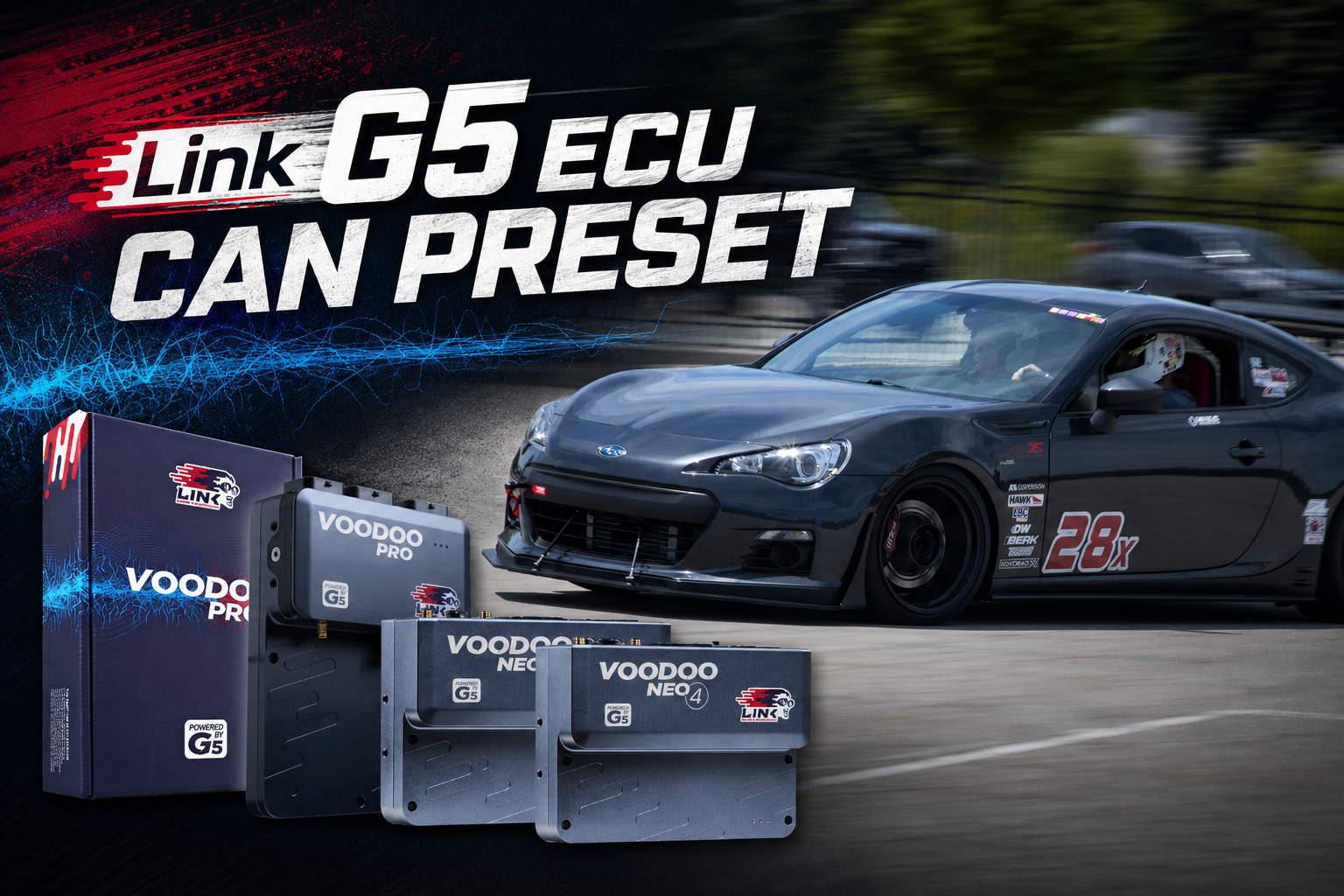
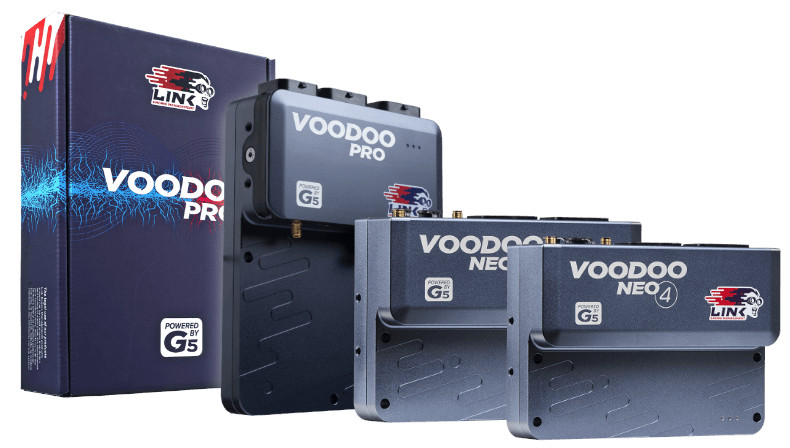
The Link G5 ECU is one of the most capable engine management platforms available for motorsport and high-performance builds. But capturing its full picture at the track has meant leaving a lot of data on the table — until now. RaceCapture’s new Link G5 CAN bus preset brings 54 channels of real-time ECU data directly into your logging session, with zero manual configuration required.
A big thanks to community member RT-BRZ, who did the hard work of mapping the full Link G5 CAN stream and contributed the preset for everyone to use. This is exactly the kind of contribution that makes the RaceCapture ecosystem better for the whole community.
Why CAN bus integration matters
Traditional analog sensor wiring means routing individual cables for each parameter you want to log — coolant temp, throttle position, oil pressure — with each one introducing its own calibration overhead and failure point. CAN bus changes that completely. A single two-wire connection to the Link G5’s CAN port delivers a continuous stream of highly accurate, ECU-calculated data. No additional sensors. No signal conditioning. Just data.
For racers and tuners, this means the values you’re logging are the same ones your ECU is actually using to make fueling and ignition decisions — not an approximation from a secondary sensor mounted downstream.
What’s in the preset
The Link G5 preset covers 54 channels spanning every major engine management domain:
- Engine fundamentals — RPM, throttle position, manifold pressure (MAP), manifold gauge pressure (MGP), barometric pressure, intake air temperature, coolant temperature, and MAF — the core channels for understanding what the engine is doing at any moment
- Fueling and injection — injector duty cycle (primary and secondary), injection pulse width, fuel pressure, and ethanol content for flex-fuel setups
- Ignition and valve timing — ignition timing, injection timing, and intake/exhaust cam positions for both banks, critical for tuning VVT systems
- Lambda — dual wideband oxygen sensor channels (Lambda 1 and Lambda 2) for monitoring air/fuel ratio across the RPM range
- Oil and drivetrain — oil temperature, oil pressure, and all four individual wheel speeds for traction and ABS analysis
- Knock — per-cylinder knock levels across up to eight cylinders, giving you visibility into detonation that a single knock sensor number never could
- ECU status and limiters — a full set of status flags including RPM limit, MAP limit, speed limit, launch control state, traction control status, antilag state, overrun, and low battery — so you know exactly what the ECU was doing during any moment on track
One-click setup
The preset is available directly inside RaceCapture App. Connect to your RaceCapture device, navigate to the CAN bus configuration, select the Link G5 preset from the library, and the full 54-channel mapping is applied instantly. Sample rates are pre-configured to match the Link G5’s broadcast cadence — high-rate channels like RPM, TPS, and knock at 50Hz, and slower-changing parameters like coolant temp and barometric pressure at the appropriate lower rates to keep your log files manageable.
If you’re using RaceCapture with PodiumConnect, that same data stream feeds directly into Podium’s cloud analysis and live telemetry — so your crew can watch boost, lambda, and knock levels in real time from the pit wall.

Configuring the Link G5 ECU
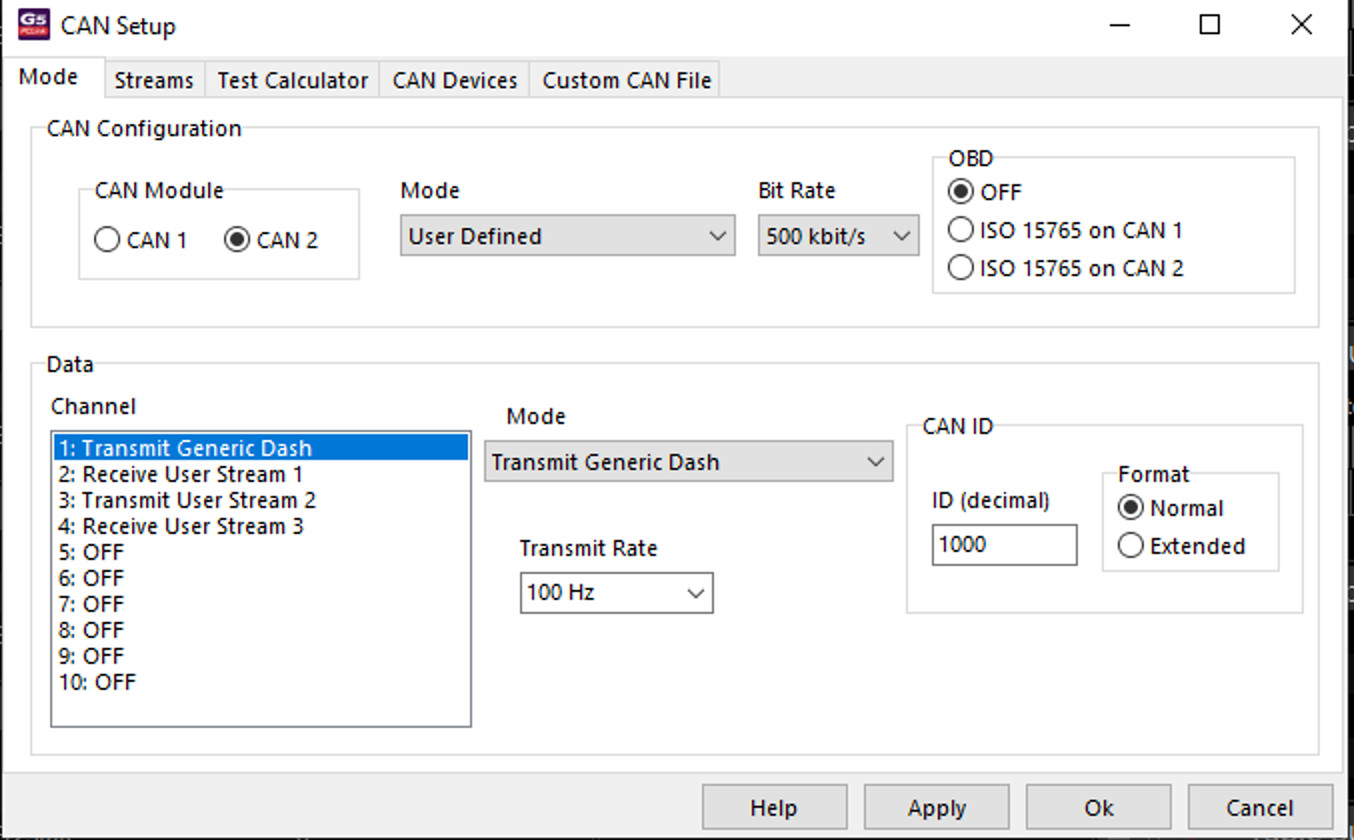
Before loading the preset in RaceCapture App, you’ll need to enable CAN output on the Link G5 side. In Link ECU software (PCLink), enable Transmit Generic Dash on either CAN 1 or CAN 2 — whichever port you’re wiring to RaceCapture. Set the CAN ID to 1000 and the bit rate to match your CAN bus or your RaceCapture configuration (typically 1Mbit/s, but confirm it matches on both ends).
Compatible hardware
The Link G5 CAN preset works with RaceCapture/Pro and RaceCapture/Track (MK2 through MK4), as well as PodiumConnect and PodiumConnect/Micro. Any Link G5 ECU firmware version that supports the standard CAN broadcast stream is compatible — check your Link G5 documentation to confirm CAN output is enabled and set to the default stream configuration.
Get started
The Link G5 preset is available now as a free update through RaceCapture App. If you’re already running RaceCapture with a Link G5, update your app and load the preset — you’ll have the full data picture for your next session.
New to RaceCapture? Learn more about the RaceCapture platform and see how it integrates with your existing ECU and data systems.
Have a CAN preset for an ECU we don’t support yet? Follow RT-BRZ’s lead and share it with the community in the Podium community forums.