
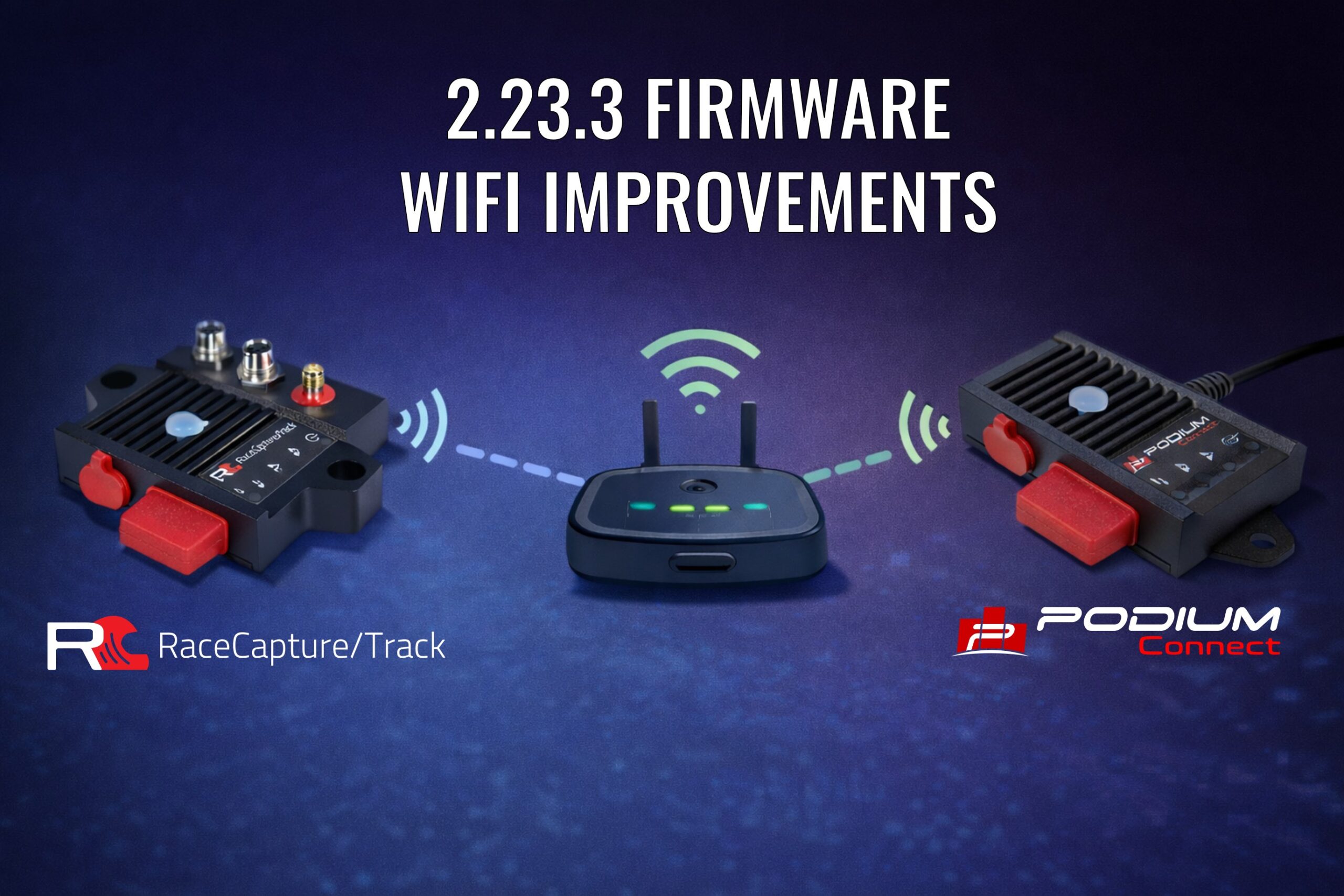
Note, this firmware release only affects the following systems
- RaceCapture/Track MK4
- PodiumConnect/Micro
Fixes to WiFi Connection in AP mode
With this firmware we’ve fixed the WiFi connection for cases when your computer or mobile device (phone/tablet) connects to your system’s WiFi Access Point (AP). Symptoms involved the tablet/phone attempting to connect, but failing to complete the connection, and eventually giving up. The 2.23.3 firmware resolves this issue.
Performance improvements in AP mode when STA is also enabled

We’ve improved the performance of Access Point (AP) mode when your systems Station (STA) is enabled (AP+STA) .
Symptoms involved the tablet/phone showing degraded performance and app disconnects when the system was trying to re-connect to the hotspot. We tuned the firmware to minimize the performance impact observed by the RaceCapture app when the Station was searching for the hotspot. Summary:
* AP mode only (Station is disabled, no connection to hotspot) – app communications performance not impacted
* AP+STA, when Station is connected to the hotspot – app communications performance not impacted
* AP+STA, when Station is actively searching for the hotspot – app performance moderately impacted, with periodic pauses in communications
Considerable work was put into ensuring the hotspot re-connection logic is robust. When a client is directly connected to your system’s Access Point when also in AP+STA mode, the hotspot re-connection attempts happen less frequently than if only the system’s Station was enabled.
Therefore, when using the system’s real-time telemetry feature we recommend connecting your phone/tablet to your hotspot’s WiFi instead of directly to your system’s Access Point. With this approach the app will communicate with the system via the hotspot, yielding the smoothest operation.
Alternatively you can use the Bluetooth LE connection option to side-step WiFi all together for the app connection (currently Android only, iOS support coming in a future release)
IMU channel orientation fixes
In this release we’ve fixed the IMU (Accelerometer / Gyro) channel orientation, ensuring the readings matched the standard when the system is mounted in the default orientation.
How to upgrade firmware
Step 1 – backup your current configuration
Using your windows, Linux, or OSX computer, connect to RaceCapture using the USB connection. Save your current configuration to a file by navigating to Setup, and pressing the Save button.
Step 2 – Download the firmware for your device
Download your firmware from http://podium.live/software , ensuring you download the correct firmware for your device and generation (MK2, MK3, etc).
Step 3 – Upgrade your firmware
Navigate to Setup / Firmware and upgrade your firmware using the on-screen prompts.
Step 4- Restore your configuration
Once the firmware is upgraded, go to Setup , Load the configuration you just saved, and press ‘write’ to write it back to your system. You are now upgraded!
Troubleshooting (PodiumConnect/Micro specific)
With PodiumConnect/Micro, if the app has a problem searching when performing the firmware upgrade, try these steps:
* First ensure your system is not connected to 12v.
* Right before browsing for the firmware file, unplug the system from USB
* Now browse and select the firmware file
* Immediately following, plug the system back into USB while holding down the clear button on top of your system. Hold it for 2 seconds after plugging in, then release.
* The system should find the bootloader soon after this.
Full changelog
=2.23.3=
* Fix: Improve WiFi AP connection stability when system is in STA+AP mode (PodiumConnect/Micro, RaceCapture/Track MK4)
* Fix: Improve WiFi STA re-connection performance for STA+AP mode, adjusting re-connect schedule depending if AP clients are connected (PodiumConnect/Micro, RaceCapture/Track MK4)
* Fix: Fix default IMU orientation (RaceCapture/Track MK4)

=2.23.2=
* Fix: Resolve disconnect issue when writing complete config or BT related setting while connected via Bluetooth LE (PodiumConnect/Micro, RaceCapture/Track MK4)
* Fix: Resolve inability to connect via WiFi access point under certain conditions, such as when Heart Rate sensing is enabled (PodiumConnect/Micro, RaceCapture/Track MK4)
* Fix: Improve reliability/consistency of Bluetooth device scanning for TPMS and Driver ID sensors (PodiumConnect/Micro, RaceCapture/Track MK4)

=2.23.1=
* Fix: Ensure CPU resets into bootloader when flashing firmware (PodiumConnect/Micro, RaceCapture/Track MK4)
=2.23.0=
* New: Support for RaceCapture/Track MK4
* New: Bluetooth LE app connectivity for RaceCapture/Track MK4 and PodiumConnect/Micro
* New: Direct TPMS support for RaceCapture/Track MK4 and PodiumConnect/Micro
* Fix: General stability improvements
* Fix: Resolve intermittent corrupt USB data
* Fix: Mitigate crash risk when multiple clients are connected
* Fix: Recover 5K of RAM for for RaceCapture/Track MK2-3, RaceCapture/Pro MK2-4, RaceCapture/Apex and PodiumConnect MK1-2 systems
* Fix: Ensure BestLap / LapDelta are disabled if lap timing is also disabled