
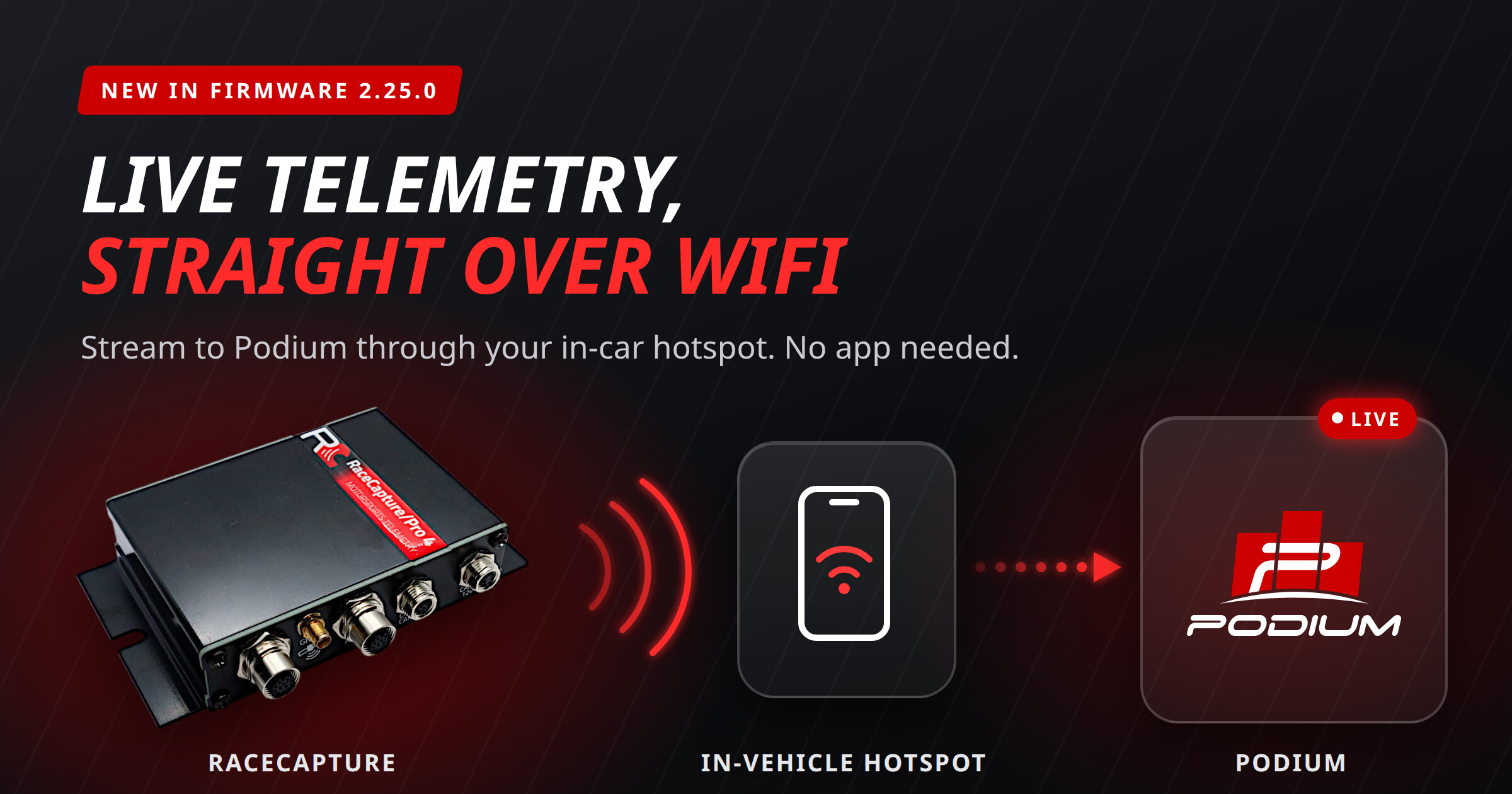
RaceCapture and PodiumConnect firmware 2.25.0 is out. The big one: systems with built-in WiFi can now stream live telemetry straight to Podium through a phone hotspot or in-car WiFi router. Lap timing also gets more precise, and there is a long list of telemetry and reliability fixes.
Direct WiFi telemetry to Podium
Applies to: RaceCapture/Track MK1-3, RaceCapture/Pro MK2-4, PodiumConnect MK1-2 and RaceCapture/Apex
Your system’s built-in WiFi can now connect to a phone hotspot or an in-car WiFi router and stream live telemetry straight to Podium. You don’t need a cellular module, and you don’t need the app running to keep data flowing to the pit wall.
Pit-to-car alerts from Podium come back over the same connection, so your crew can still get a message to the driver’s dash.
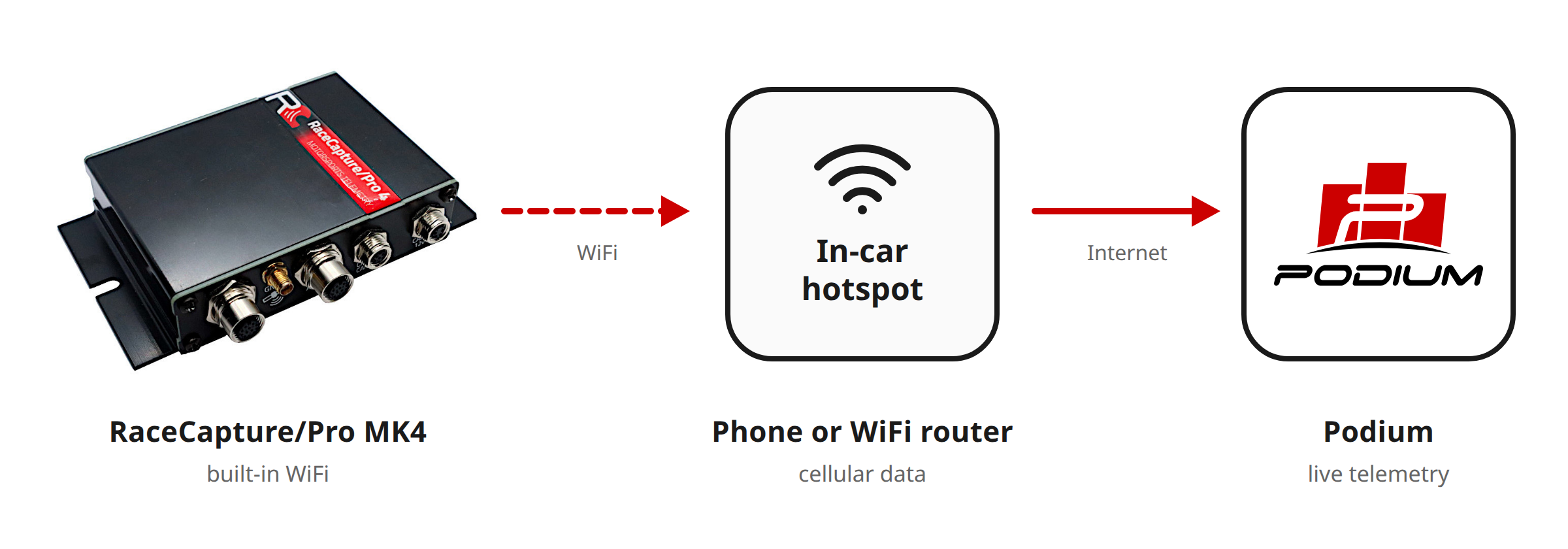
Setting it up
You’ll need RaceCapture app 2.16.0 or newer; we recommend the latest version.
In the app, go to Setup / Wireless: set the WiFi client to join your hotspot, and turn on Enable WiFi telemetry.
Then, enter your Podium streaming key under Setup / Telemetry, as you normally would for other connection types.
Note: Use either WiFi or cellular telemetry, not both: with both turned on, neither runs.
Important: disable app telemetry under Setup / App Preferences, otherwise the two connections will conflict and you will see repeated disconnections.
After these settings are complete, power cycle the system.
Watch the WiFi client status under System Status / WiFi – it should show the client as connected.
When Podium is connected, it will show Connected under System Status / Telemetry. Then, you will see a live event under your account at https://app.podium.live/events.
More precise lap and sector times
Applies to: all RaceCapture systems
GPS updates arrive 10 to 25 times a second. At 160 km/h (100 mph) a car covers about 4.4 m between 10 Hz updates, so the exact moment you cross a timing line falls somewhere in that gap.
Near the start/finish and sector lines, the firmware now fills in positions at 100 Hz, cutting that gap to under half a meter at the same speed. Lap and sector times are more precise as a result, and more consistent from lap to lap.
Telemetry keeps data from before GPS lock
Applies to: RaceCapture/Track MK2-4, RaceCapture/Pro MK2-4 and RaceCapture/Apex
Telemetry samples need an accurate time, which used to come only from GPS. Until the GPS had a fix, data sent to Podium was thrown away. Your system now takes the time from Podium when it connects, so data from the paddock and pit lane is kept even before GPS locks.
For Lua users
- inLap(): a new Lua function that returns whether a lap is in progress, handy for scripts that should only act on track.
Telemetry reliability
- Telemetry no longer sends samples without a valid time, which Podium discarded.
- If the connection drops shortly after power-up, telemetry no longer resends data Podium already has.
- When the buffer file on the SD card keeps failing, telemetry now streams live instead of losing samples.
- RaceCapture/Track MK4 and PodiumConnect/Micro keep their telemetry backlog through a reconnect and notice right away when the server closes the connection.
Before you upgrade: check your channel names
Applies to: all RaceCapture systems
Channel names may now contain only letters, digits, spaces and underscores. Any other character is removed, including from a configuration you saved earlier, so a channel named “Oil-Temp” becomes “OilTemp” and “Oil Temp (F)” becomes “Oil Temp F”.
If your channel names use dashes, dots, brackets or symbols, rename them the way you want before you write your configuration back. Anything that refers to a channel by name, such as a Lua script or a Podium dashboard, should use the new name.
Many more fixes
- Track auto-detect keeps searching until it finds a track, so a system powered on before you reach the track still times laps.
- Bluetooth LE works alongside WiFi on RaceCapture/Track MK4, long API responses are no longer cut short, and unused channels were removed to free RAM.
See the changelog below for the full set of fixes.
Learn more about our products at autosportlabs.com and find detailed documentation at the Autosport Labs Wiki.
How to upgrade firmware
Step 1 – backup your current configuration
Using your windows, Linux, or MacOS computer, connect to RaceCapture using the USB connection. Save your current configuration to a file by navigating to Setup, and pressing the Save button.
Step 2 – Download the firmware for your device
Download your firmware from http://software.autosportlabs.com , ensuring you download the correct firmware for your device and generation (MK2, MK3, etc).
Step 3 – Upgrade your firmware
Navigate to Setup / Firmware and upgrade your firmware using the on-screen prompts.
Step 4- Restore your configuration
Once the firmware is upgraded, go to Setup , Load the configuration you just saved, and press ‘write’ to write it back to your system. You are now upgraded!
Full Changelog
=2.25.0=
* New: Direct WiFi telemetry to in-car hotspot (RaceCapture/Track MK1-3, RaceCapture/Pro MK2-4, PodiumConnect MK1-2, RaceCapture/Apex)
* New: Lap timing interpolates GPS to 100 Hz near the start/finish and sector lines, for more precise lap and sector times (All RaceCapture systems)
* New: Telemetry uses the time from Podium until the GPS has a fix, so data sent before GPS lock is kept (RaceCapture/Track MK2-4, RaceCapture/Pro MK2-4, RaceCapture/Apex)
* New: Lua inLap() function returns whether a lap is in progress (All RaceCapture systems)
* New: txCan can wait for and return the reply frames, so the app can configure CAN accessories in one request (All RaceCapture systems)
* Change: Channel names may only contain letters, digits, spaces and underscores; other characters are removed from names set by the app, Lua scripts or a saved configuration (All RaceCapture systems)
* Fix: Track auto-detect keeps searching until it finds a track, so a unit powered on before reaching the track still times laps (All RaceCapture systems)
* Fix: At a lap crossing, a sample no longer carries the new lap count with the previous lap's time and distance, which showed as very short or blank laps in Podium (All RaceCapture systems)
* Fix: Telemetry no longer sends samples without a valid time, which Podium discards (All RaceCapture systems)
* Fix: Telemetry no longer resends data Podium already has when the connection drops shortly after power-up (All systems with SD/Flash storage)
* Fix: Telemetry streams live when the buffer file keeps failing, instead of losing samples (All systems with SD/Flash storage)
* Fix: Telemetry keeps its backlog when reconnecting, notices promptly when the server closes the connection, logs the server's reason, and stops resending data the server refused (RaceCapture/Track MK4, PodiumConnect/Micro)
* Fix: Bluetooth LE API responses larger than one packet are no longer cut short (RaceCapture/Track MK4, PodiumConnect/Micro)
* Fix: Bluetooth LE app connection works while WiFi is also in use (RaceCapture/Track MK4)
* Fix: Free RAM by removing unused Bluetooth LE channels (RaceCapture/Track MK4, PodiumConnect/Micro)
* Fix: Lua bit library handles negative numbers the same way on all systems (RaceCapture/Track MK4, PodiumConnect/Micro)
* Fix: The WiFi access point's IP address and MAC address settings now take effect (RaceCapture/Track MK1-3, RaceCapture/Pro MK2-4, PodiumConnect MK1-2, RaceCapture/Apex)
* Fix: WiFi SSIDs and passwords of up to 24 characters, including the characters " , and \, now work (RaceCapture/Track MK1-3, RaceCapture/Pro MK2-4, PodiumConnect MK1-2, RaceCapture/Apex)
* Fix: Text settings at their maximum length, such as a WiFi SSID, driver name or TPMS sensor ID, no longer corrupt the next setting (All RaceCapture systems)
* Fix: Writing a track configuration no longer permanently uses about 560 bytes of RAM (RaceCapture/Track MK1-3, RaceCapture/Pro MK2-4, PodiumConnect MK1-2, RaceCapture/Apex)